Best Project Management Tools in 2026

Most SaaS teams don’t miss deadlines because of a talent gap. They miss them because the work is scattered: a launch plan in a spreadsheet, bug reports in a Slack thread, and three project tools that each got half adopted and then quietly abandoned.
The fix isn’t more tools. It’s one tool your whole company actually keeps using, from the first ten hires to the first hundred.
This guide compares the best project management tools in 2026 through a SaaS lens. We look at how each one works for product, engineering, marketing, and customer success teams, what it costs as you add seats, and which 2026 updates actually matter. By the end, you should have a shortlist of two tools worth trialing.
What SaaS Teams Need From a Project Management Tool
A SaaS company works differently from an agency or a construction firm. You ship on short release cycles, often weekly. A single launch pulls in product, engineering, marketing, sales, and support at the same time. And your team already lives in a stack of connected apps, so a project tool that doesn’t plug into that stack becomes one more tab nobody opens.
We used four criteria to pick the tools in this list.
Integrations With Your SaaS Stack
The tool should connect cleanly to Slack, GitHub or GitLab, Google Workspace or Microsoft 365, and your CRM. Two-way sync matters more than a long logo wall: a pull request should update its ticket without anyone touching it.
AI Features That Save Real Time
Every vendor now ships AI. The useful kind writes status updates, triages incoming requests, and summarizes long threads. Watch for AI that’s sold as a separate add-on or metered by credits, because that changes the real price.
Pricing That Scales With Headcount
A tool that costs $9 per seat at 10 people can cost very differently at 100. Look at seat minimums, annual-only discounts, and which features are locked to higher tiers.
Support for Both Agile and Cross-Functional Work
Engineering wants sprints, backlogs, and cycles. Marketing and customer success want timelines, forms, and approvals. The best fit handles both without forcing one team into the other’s workflow.
Best Project Management Tools in 2026 at a Glance
Here’s how the ten tools compare on the basics. Starting prices are the cheapest paid plan, per user per month, billed annually, unless noted.
| Tool | Best for | Free plan | Starting price | Standout feature |
|---|---|---|---|---|
| ClickUp | All-in-one workspace for growing teams | Yes | $9/user (Core) | AI credits built into every plan |
| Asana | Cross-functional launches | Yes | $10.99/user (Starter) | Workflow builder with AI Studio |
| Monday | Visual, customizable workflows | Yes (2 seats) | $9/seat (Basic, 3-seat minimum) | Color-coded boards anyone can set up |
| Jira | Engineering teams running agile | Yes (10 users) | About $9.70/user (Standard, monthly) | Deep Scrum and Kanban support |
| Linear | Fast-moving product and dev teams | Yes (250 issues) | $10/user (Basic) | Speed, cycles, and built-in AI agents |
| Notion | Docs, wikis, and projects in one place | Yes | $10/member (Plus) | Connected docs and databases |
| Wrike | Scaling teams with complex approvals | Yes | $10/user (Team, 2–15 users) | Request forms, proofing, approvals |
| Smartsheet | Spreadsheet-style planning | No | $9/member (Pro) | Familiar grid with Gantt and automations |
| Basecamp | Simple team communication | Yes (1 project) | $29/month flat (Freelancer, up to 5 users) | Flat pricing, no per-seat fees |
| Trello | Small teams starting out | Yes (10 collaborators) | $5/user (Standard) | The simplest Kanban boards around |
Prices checked November 2026. SaaS vendors change pricing often, and several tools on this list (ClickUp, Jira, and Basecamp) changed theirs in the last few months, so confirm on each vendor’s pricing page before you buy.
The 10 Best Project Management Tools for SaaS Teams
1. ClickUp: Best All-in-One Workspace for Growing Teams
ClickUp tries to replace your task tracker, docs, whiteboards, and chat with one app. For a SaaS team juggling too many tools, that consolidation is the main draw.
Best for: Growing teams that want one workspace for every department.
Key features:
- 15+ views, including list, board, Gantt, and workload
- Built-in docs, goals, and sprint tracking
- ClickUp Brain AI for summaries, writing, and Super Agents
2026 update: ClickUp moved to new plans in late 2026. AI is no longer a separate add-on; each plan now includes a pool of AI credits.
Pros: Huge feature set for the price. Generous free plan with unlimited users.
Cons: The depth comes with a learning curve. New users can feel lost without a clear setup.
Pricing: Free Forever plan. Core is $9 per user per month and Business is $17, billed yearly. Max is $100, and Enterprise is custom.
2. Asana: Best for Cross-Functional Launches
Asana is built for work that crosses team lines. It’s a strong pick when a product launch needs marketing, sales, and support moving in step.
Best for: Product marketing and ops teams coordinating launches.
Key features:
- Timelines with dependencies and milestones
- Workflow builder and rules for automated handoffs
- Portfolios and goals to track work across teams
2026 update: Asana now bundles AI Studio credits into each paid tier. In October 2026, it also opened its Timesheets and Budgets add-on to Starter and Advanced plans.
Pros: Clean, intuitive interface. Excellent for cross-team visibility.
Cons: Sprint and backlog tools are lighter than dedicated dev tools. The jump from Starter to Advanced is steep.
Pricing: Free Personal plan. Starter is $10.99 per user per month and Advanced is $24.99, billed annually. Paid plans need at least two seats.
3. Monday.com: Best for Visual, Customizable Workflows
Monday.com turns any process into a color-coded board. Non-technical teams can build their own workflows without waiting on an admin.
Best for: Marketing, ops, and customer success teams that want to customize their own setup.
Key features:
- Drag-and-drop boards with dozens of column types
- No-code automation recipes
- Dashboards that pull data from multiple boards
2026 update: In May 2026, monday.com launched its AI Work Platform, which adds monthly AI credits to every paid tier. Seat prices stayed the same.
Pros: Very easy to adopt. Highly visual and flexible.
Cons: Automations and time tracking sit on higher tiers. Seats are sold in buckets, so small teams can overpay.
Pricing: Free for up to 2 seats. Basic is $9, Standard $12, and Pro $19 per seat per month, billed annually, with a 3-seat minimum.
4. Jira: Best for Engineering Teams Running Agile
Jira is the default for software teams that run Scrum or Kanban. If your engineers already think in sprints, story points, and epics, Jira speaks their language.
Best for: Engineering teams with structured agile processes.
Key features:
- Scrum and Kanban boards, backlogs, and sprint reports
- Deep links to Bitbucket, GitHub, and GitLab
- Powerful automation and custom workflows
2026 update: Paid plans now include Rovo AI credits each month. Atlassian also raised Cloud prices again in October 2026.
Pros: Unmatched depth for agile work. Huge app marketplace.
Cons: Can feel heavy for non-engineers. Marketplace apps add real cost.
Pricing: Free for up to 10 users. Standard runs about $9.70 per user per month for teams under 100, with lower rates as you add seats. Premium and Enterprise cost more.
5. Linear: Best for Fast-Moving Product and Dev Teams
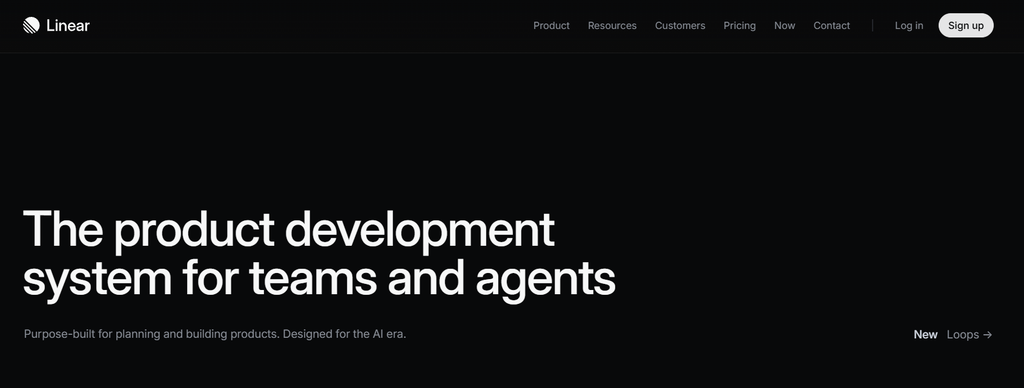
Linear is the issue tracker many startups switch to when Jira feels slow. It’s fast, keyboard-driven, and opinionated about how good teams ship.
Best for: Product and engineering teams at startups and scale-ups.
Key features:
- Cycles, projects, and roadmaps built for product work
- Near-instant interface with keyboard shortcuts
- Two-way GitHub and GitLab sync
2026 update: Linear raised its prices in 2026 and added AI agent features. In October 2026, Loops, its agent-powered automations, opened to the Basic plan.
Pros: The fastest tool on this list. Teams genuinely enjoy using it.
Cons: Built for product and dev, not marketing or ops. Fewer customization options.
Pricing: Free plan with 250 issues. Basic is $10 and Business is $16 per user per month, billed yearly.
6. Notion: Best for Docs, Wikis, and Projects in One Place
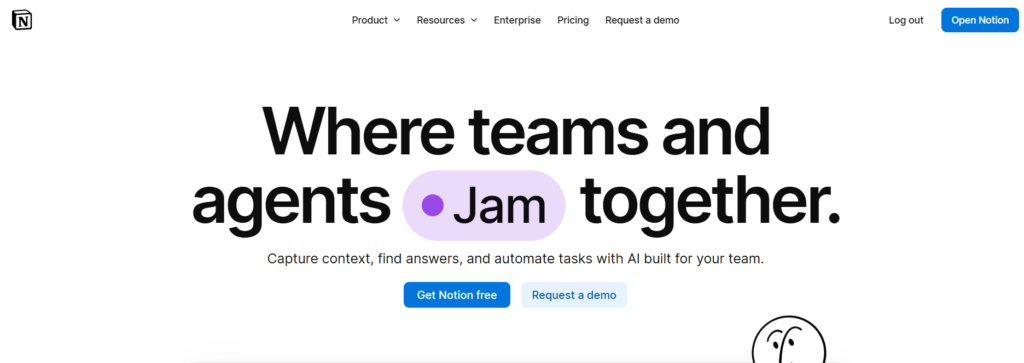
Notion combines your wiki, specs, and project tracking in one connected workspace. It’s ideal if your projects live alongside a lot of documentation.
Best for: Teams that write a lot, like product, content, and early-stage startups.
Key features:
- Databases with board, timeline, and calendar views
- Linked docs, specs, and meeting notes
- Notion AI with agents and AI meeting notes
2026 update: Full Notion AI, including Notion Agent and AI Meeting Notes, now comes bundled with the Business plan. Custom Agents run on usage-based credits.
Pros: Unbeatable for documentation. Very flexible.
Cons: Project features are lighter than dedicated tools. Big workspaces can get messy.
Pricing: Free plan. Plus is $10 and Business is $20 per member per month, billed annually. Full AI requires Business.
7. Wrike: Best for Scaling Teams With Complex Approvals
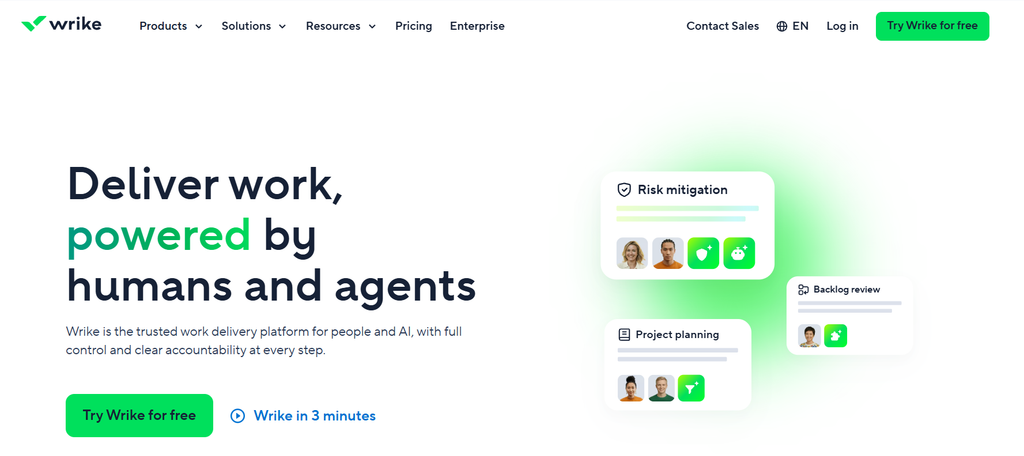
Wrike suits teams with structured processes, multiple stakeholders, and sign-off steps. Think marketing, creative, or client-facing teams that need proofing and approvals.
Best for: Mid-size and larger teams with formal review processes.
Key features:
- Request forms and custom item types
- Built-in proofing and approval workflows
- Resource and workload planning
2026 update: Wrike replaced its Enterprise tier with Pinnacle and a new Apex plan. Business includes Wrike Copilot and AI agents, with usage quotas since April 2026.
Pros: Strong governance and reporting. Scales well to large teams.
Cons: Interface feels dense. Seats are sold in blocks, so you may pay for unused licenses.
Pricing: Free plan. Team is $10 per user per month for 2–15 users. Business is $25 per user per month, billed annually, for 5–200 users.
8. Smartsheet: Best for Spreadsheet-Style Planning
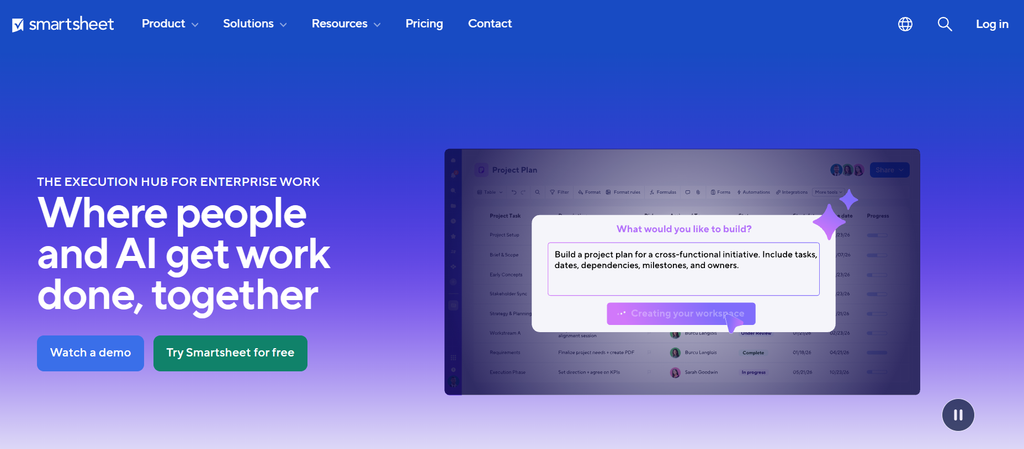
Smartsheet looks like a spreadsheet but works like a project tool. Teams that already plan in Excel or Google Sheets adapt to it fast.
Best for: Operations, RevOps, and PMO teams that like grids.
Key features:
- Grid, Gantt, board, and calendar views
- Automated workflows and approvals
- Reports and dashboards across many sheets
2026 update: Smartsheet’s free plan is now legacy and closed to new sign-ups. Pricing is per Member, and viewers and guests are free.
Pros: Familiar for spreadsheet users. Strong for reporting and portfolio views.
Cons: Less intuitive for agile dev work. No free plan for new teams.
Pricing: Pro is $9 per member per month for 1–10 members. Business is $19 for 3+ members, both billed annually.
9. Basecamp: Best for Simple Team Communication
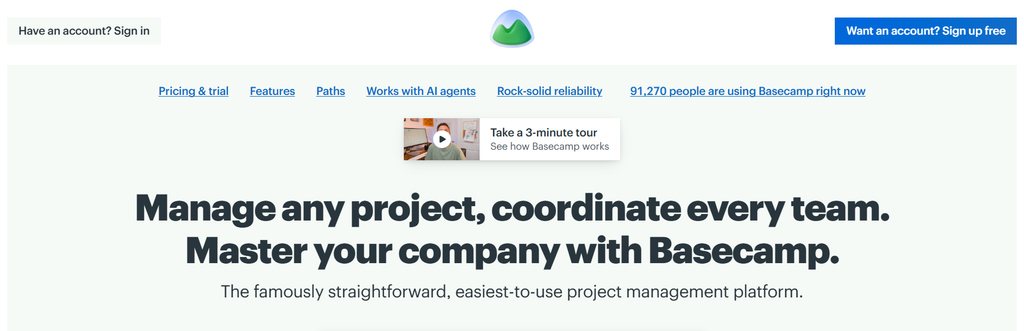
Basecamp keeps projects simple: message boards, to-dos, schedules, and files in one place. It cuts down on status meetings and long email threads.
Best for: Small teams and client-facing work that values calm communication.
Key features:
- Message boards and automatic check-in questions
- To-dos, schedules, and docs per project
- Free access for clients and guests
2026 update: Basecamp dropped per-user pricing in 2026. Plans are now flat monthly packages based on active projects, users, and storage.
Pros: Predictable pricing as you grow. Very easy to learn.
Cons: No sprints, Gantt charts, or deep reporting. Not built for engineering.
Pricing: Free Personal plan with one project. Paid plans start at $29 per month flat for up to 5 users. Pro Unlimited is $199 per month, billed annually.
10. Trello: Best for Small Teams Starting Out
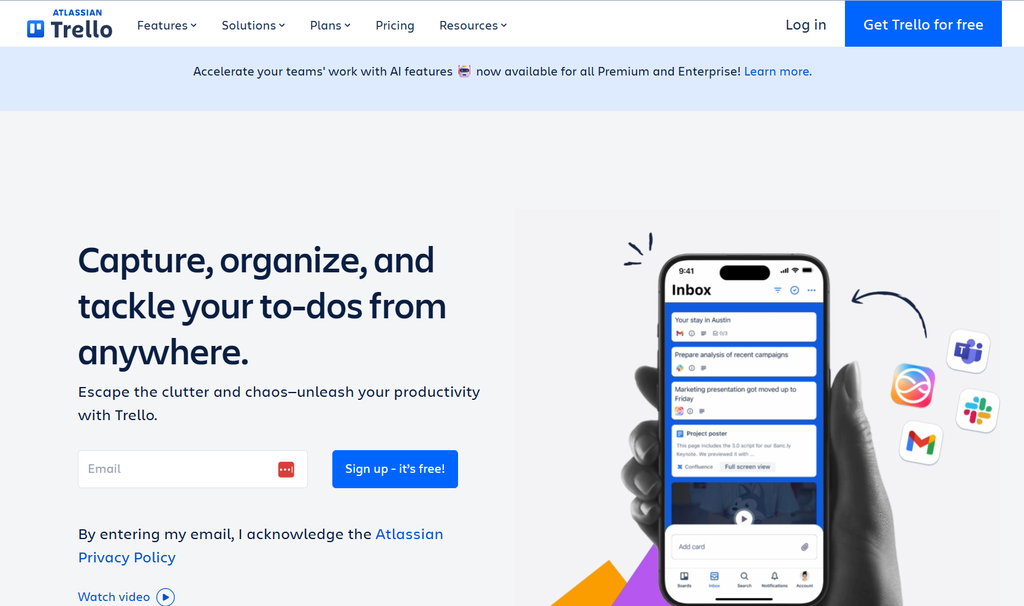
Trello is the simplest way to get a team organized on Kanban boards. You can set it up in minutes and nobody needs training.
Best for: Small teams, early-stage startups, and simple workflows.
Key features:
- Boards, lists, and cards with drag-and-drop
- Butler automation for repetitive tasks
- Power-Ups for integrations like Slack and Jira
2026 update: In August 2026, Trello extended its AI features to the Standard plan.
Pros: Very low cost. Almost no learning curve.
Cons: Outgrown quickly. Timeline and dashboard views require Premium.
Pricing: Free for up to 10 collaborators per workspace. Standard is $5 and Premium is $10 per user per month, billed annually.
Which Tool Fits Each SaaS Team?
Most comparison posts stop at features. But inside a SaaS company, each team works differently, and the right tool depends on who’s using it.
| SaaS function | Our pick | Why |
|---|---|---|
| Product and engineering | Linear (or Jira at larger scale) | Linear is fastest for lean teams; Jira handles complex, multi-team agile setups |
| Marketing | Asana or monday.com | Timelines, request forms, and launch calendars non-technical teams can run themselves |
| Customer success | monday.com or ClickUp | Flexible boards for onboarding, renewals, and escalations, with CRM integrations |
| RevOps and operations | Smartsheet or ClickUp | Grid-based planning, reporting, and cross-team dashboards |
When one shared tool beats separate tools: If your company has fewer than about 50 people, or your launches pull in most departments at once, pick one shared tool. ClickUp, Asana, and monday.com all handle both dev and business work reasonably well. One tool means one source of truth, one bill, and no copying updates between systems.
When separate tools make sense: As engineering grows, it often outgrows a general-purpose tool. Many SaaS companies run Linear or Jira for engineering and Asana or monday.com for everyone else. That works fine, as long as you connect the two with a native integration, so a launch task in Asana reflects real progress in the dev tracker.
How to Choose the Right Project Management Tool
Feature lists all start to look the same after the third demo. Use this process instead.
Map Your Workflows Before Comparing Features
Write down how work actually moves today. How does a feature request become a shipped release? How does a campaign go from brief to launch? Note who hands off to whom and where things get stuck. Then judge each tool on how well it handles those specific flows, not on how many views it offers.
Plan for Growth From 10 to 100+ Seats
SaaS teams hire fast, and priorities shift every quarter. Price out each tool at your current headcount and at three times that number. Check seat minimums, seat bundles, and which features unlock only on higher tiers. Also check permissions and guest access, since you’ll eventually bring in contractors, agencies, and customers.
Run a Two-Week Trial on a Real Project
Demos and sample projects hide the friction. Pick one live project, like a small feature release or a webinar launch, and run it fully in each shortlisted tool for two weeks. Include at least one person from each team that will use it. Their honest feedback beats any review site.
Plan the Migration Before You Commit
Switching tools mid-quarter is painful. Before you sign, check whether the tool can import from what you use now, and decide what to move and what to archive. Set a cut-over date, name an owner for setup, and build a few templates first. A tool with a clear rollout plan gets adopted. One without it becomes the next half-used app.
Final Thoughts
If you want one workspace for the whole company, start with ClickUp. If cross-functional launches are your biggest headache, Asana keeps every team in step. And if your product and engineering team cares most about speed, Linear is hard to beat.
There’s no perfect tool, only the one your team will actually keep using. Shortlist two, run a real project in each for two weeks, and let your team’s experience make the call.
Frequently Asked Questions
What is the best free project management tool in 2026?
ClickUp has the most generous free plan for most SaaS teams, with unlimited users and tasks. Trello is the easiest free option for small teams, though it caps you at 10 collaborators per workspace. If you’re an engineering team, Jira’s free plan covers up to 10 users with full Scrum and Kanban boards. Linear’s free plan is great for trying it out but limits you to 250 issues.
How much does project management software cost?
Most project management tools cost between $5 and $25 per user per month on annual billing. Entry plans like Trello Standard start at $5, while mid-tier plans like Asana Starter, monday.com Standard, and Linear Basic land between $10 and $12. Advanced tiers with automation, AI, and admin controls usually run $17 to $25 per user. Monthly billing typically costs 15–25% more, and enterprise plans are custom-quoted.
Which project management tool is best for SaaS startups?
Linear and ClickUp are the best fits for most SaaS startups. Linear suits product-led teams where engineering drives the roadmap, thanks to its speed and GitHub sync. ClickUp suits startups that want one affordable tool for product, marketing, and customer success. If your team is under ten people and needs something simple, Trello’s free plan is a fine place to start.
Can you use multiple project management tools together?
Yes, and many SaaS companies do. A common setup is Linear or Jira for engineering, with Asana or monday.com for marketing and operations. The key is to connect them through native integrations or a tool like Zapier, so status updates flow between systems automatically. Keep it to two tools at most, or you’ll recreate the scattered-work problem you were trying to fix.
What AI features matter most in project management tools?
The AI features that save the most time are automatic status summaries, smart triage of incoming requests, and agents that handle routine updates. Writing help for task descriptions and meeting notes is useful too. Before you buy, check how AI is priced: some tools bundle it into every plan, while others limit it to top tiers or meter it with usage credits.
